
Organization Docs
An organization groups users, domains, and exams under a single administrative unit.
View an Organization
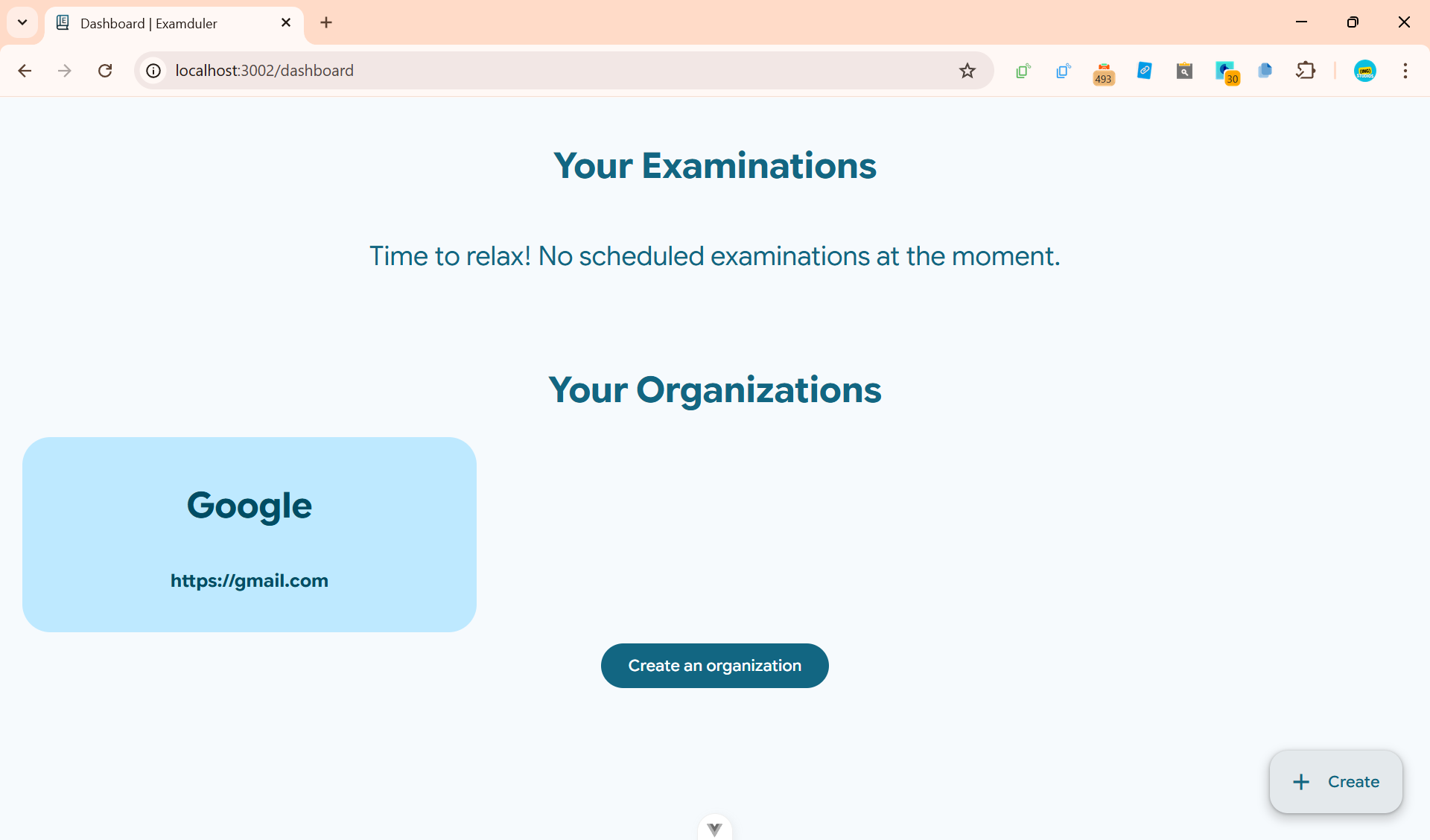
Click on the organization you want to view.
Create an Organization
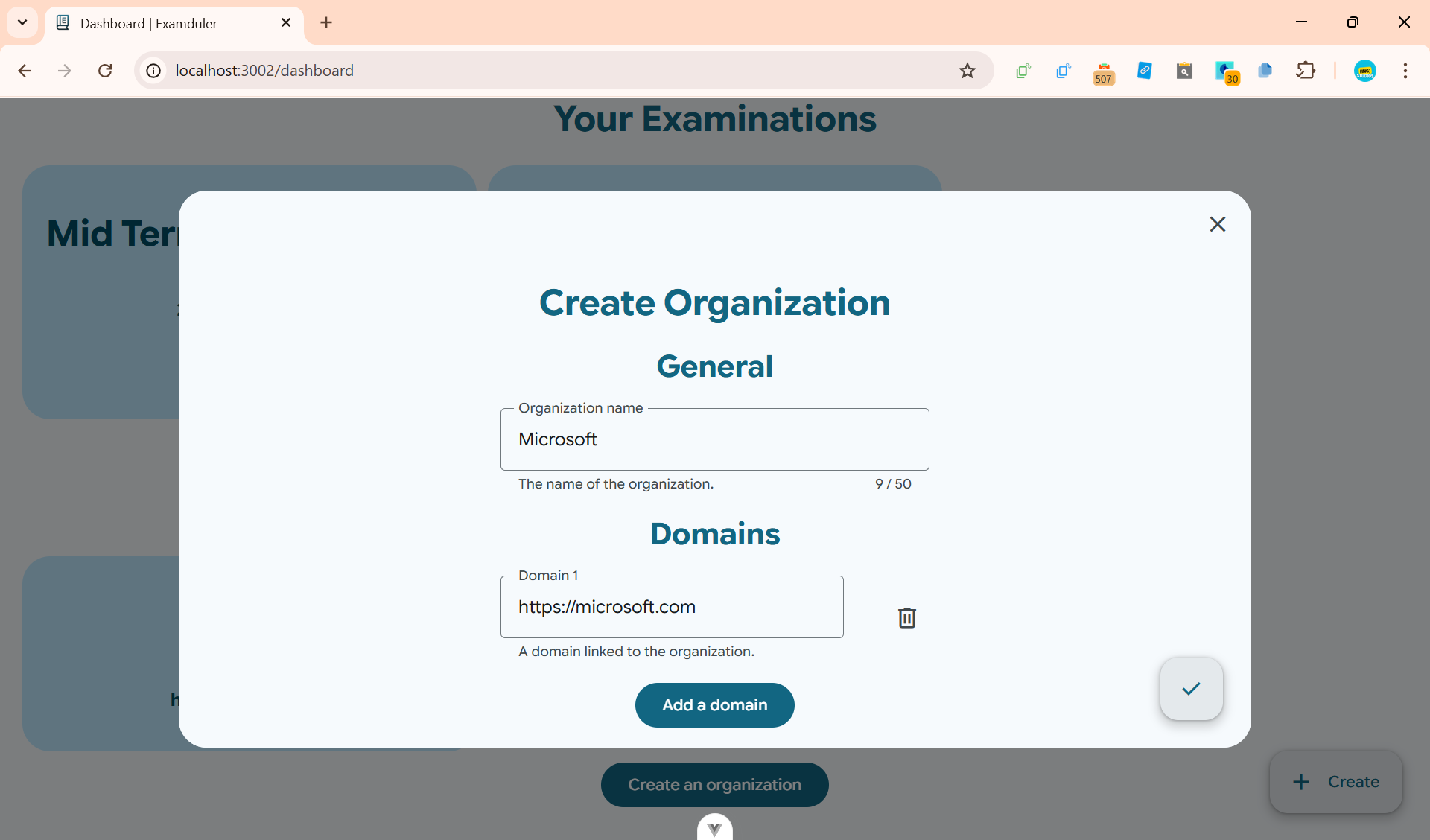
Click
WARNING
You need at least 1 domain to create an organization.
Next, add members by uploading a CSV file formatted as such:
Mr John Doe, johndoe@yourdomain.com, admin
Teacher Jane Doe, janedoe@yourdomain.com, teacher
Student Jeffery Doe, jeffdoe@student.yourdomain.com, student| Name | Role | |
|---|---|---|
| Mr John Doe | johndoe@yourdomain.com | admin |
| Teacher Jane Doe | janedoe@yourdomain.com | teacher |
| Student Jeffery Doe | jeffdoe@student.yourdomain.com | student |
WARNING
Members will not be able to join the organization unless you verify the domain in the organization settings.
INFO
You can have members with different domains/subdomains (e.g. johndoe@yourdomain.com and jeffdoe@student.yourdomain.com).
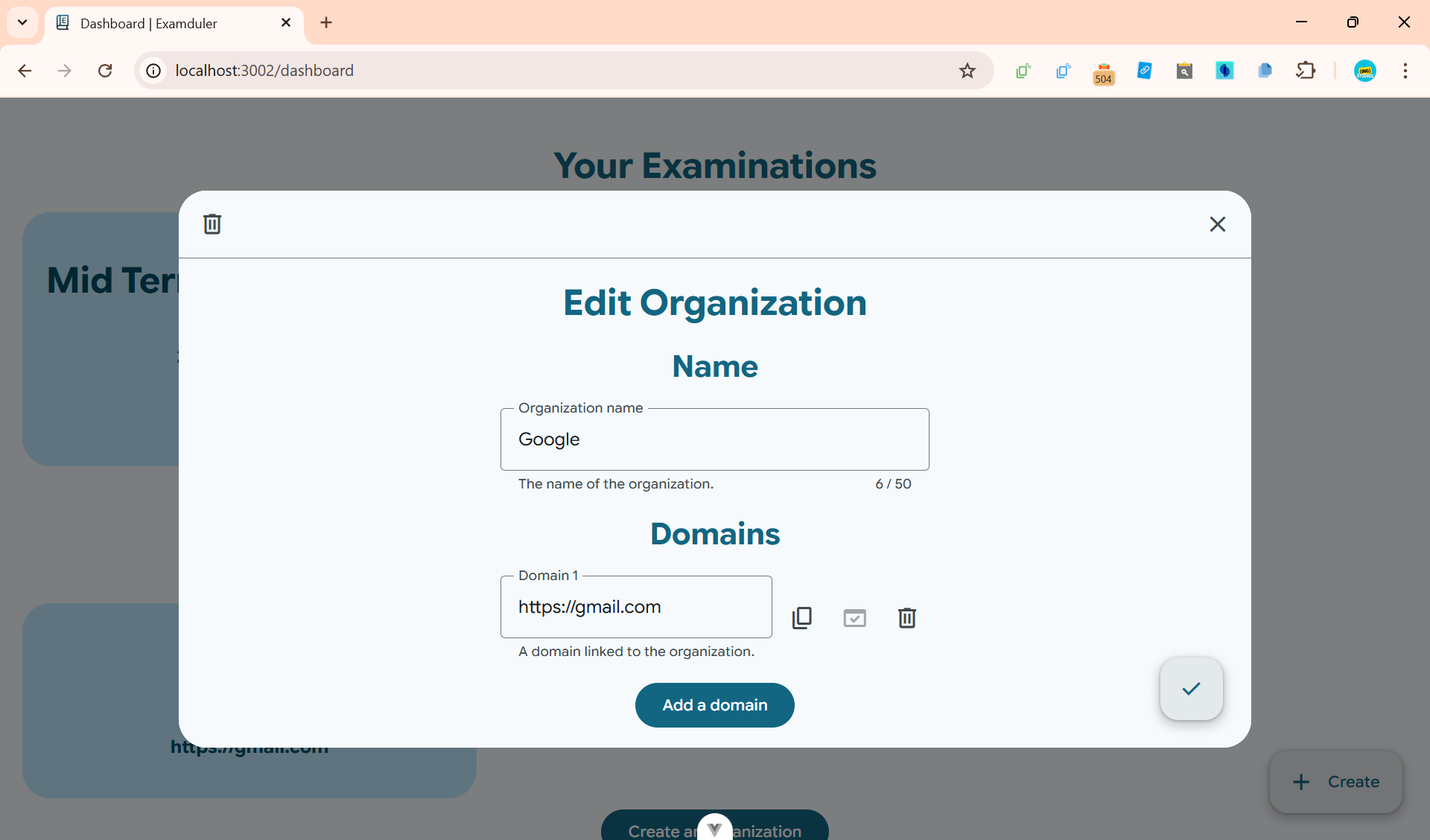
Edit an Organization
Click on the organization you want to edit to open it up in a dialog. Modify the details and click
Roles
Each user can be assigned a different role level. The following role levels are:
| Role | Examination permissions | Organization permissions |
|---|---|---|
| Admin |
|
|
| Teacher |
| None |
| Student |
| None |
Domains
Modifying a Domain
INFO
You can't change the domain URL. However, you can create a new domain and delete the old one.
Verifying a Domain
Click the
1. Verify using TXT record
- Open your DNS service provider (e.g. Cloudflare).
- Locate your domain, and create a new TXT record at the root.
- Paste the verification token (starts with
examduler_) and save the changes. - Wait for the DNS changes to propagate (up to 24 hours, usually faster), and then click the
domain_verification
2. Verify using HTTP
- Create a file named
examduler(no extension) in the directory.well-known. The file path should look something likeyourdomain.com/.well-known/examduler. - Paste the verification token (starts with
examduler_) and deploy your site. - Once your site is deployed, click the
domain_verification
Verification troubleshooting
If verification fails, make sure:
For TXT records:
- The TXT record sits at the root of the domain (e.g.
yourdomain.com), and notsubdomain.yourdomain.com. - There are no extra spaces in the token.
- Your DNS changes have finished propagating.
For HTTP records:
- The file is located at
yourdomain.com/.well-known/examduler. - There are no extra spaces in the token.
- You have saved and deployed your changes.
If all else fails, feel free to contact our support at support@ingstudios.dev.
Deleting a Domain
Click the
DANGER
This action is irreversible! The domain verification status will be lost. You will have to re-create the domain and re-verify the domain with a new verification token. However, members will keep their existing verification status.